
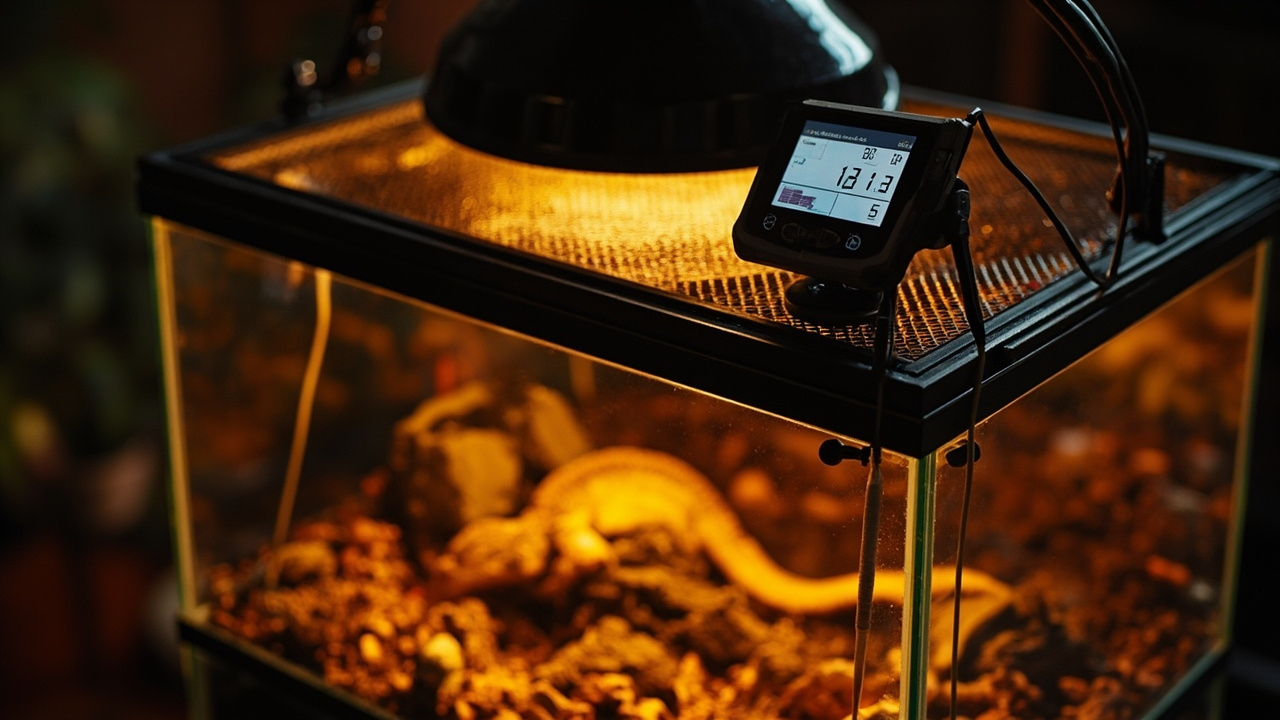
How to Choose a Reptile Thermostat
A reptile thermostat is the single most important safety device in any heated enclosure. It sits between your heat source and the wall outlet, reading temperature through a probe and cutting or adjusting power to keep the habitat within a safe range. Without one, even a low-watt heat mat can reach surface temperatures over 120°F — enough to cause permanent tissue damage on a leopard gecko or ball python resting on the warm side.
This guide covers the three main thermostat types, how to match one to your heat source, and which specs actually matter for your setup. If you’re putting together an enclosure from scratch, our how to choose a heat mat guide covers the heating side.
Why You Need a Thermostat for Your Enclosure
What Happens When You Skip a Thermostat
Heat mats and heat lamps are designed to get hot. A 50-watt ceramic heat emitter, for instance, can push surface temperatures well past 140°F with no regulation. Reptiles can’t sense “too hot” the way mammals do — they will stay on a dangerously warm surface until they sustain burns or become lethargic. This is especially risky for species kept on glass or tile, where heat conducts directly into the animal’s ventral surface.
Don’t rely on the dial or knob built into some heat mats. Those are rudimentary power controls, not temperature regulators. They don’t measure temperature or shut off automatically.
How a Thermostat Protects Your Reptile
A thermostat continuously reads the temperature at the probe location and compares it to the set point. When the temperature drops below the target, it powers the heat source. When it reaches or exceeds the target, it cuts or reduces power. This on-off cycle (or gradual reduction, depending on type) maintains a stable temperature within a degree or two of your setting — which is exactly the narrow range that species like bearded dragons need for proper digestion and immune function. For species-specific temperature targets, check our leopard gecko temperature and bearded dragon temperature guides.
Thermostat vs Thermometer
A thermometer measures and displays temperature. A thermostat measures temperature and controls power to a heat source. You need both: the thermostat to regulate the heat source, and a separate thermometer to verify that the thermostat is reading accurately. Place the thermometer probe next to the thermostat probe to cross-check readings during setup.
3 Types of Reptile Thermostats Explained
On/Off (Non-Graduated) Thermostats
On/off thermostats are the simplest and most affordable type. They work like a household thermostat for a heater: when the probe reads below the set temperature, power flows to the heat source at full output. When the target is reached, power cuts completely. The cycle repeats.
Best for: heat mats, heat tape, and low-wattage under-tank heaters.
The temperature swings between cycles are small — usually within 2–3°F — because heat mats produce gentle, gradual warmth. For crested gecko setups with low-wattage heat, this type is more than sufficient.
Pulse Proportional Thermostats
Instead of snapping fully on and off, pulse proportional thermostats send rapid pulses of full power to the heat source, adjusting the pulse duration to fine-tune output. Longer pulses deliver more heat, shorter pulses deliver less. The result is a steady temperature with minimal fluctuation — often within 1°F.
Best for: ceramic heat emitters, radiant heat panels, and incandescent bulbs where temperature stability matters.
Pulse proportional control works with any resistive heat source. It doesn’t work with light-emitting bulbs, because the rapid pulsing causes visible flickering.
Dimming Thermostats
Dimming thermostats reduce voltage to the heat source smoothly, similar to a household dimmer switch for lights. The heat source receives less power gradually rather than being pulsed or switched on/off. This produces the smoothest temperature curve of any type.
Best for: incandescent basking bulbs and halogen heat lamps.
Because dimming reduces power gradually, there’s no visible flicker — making it the only proportional option for light-emitting bulbs. It also extends bulb life by avoiding the thermal stress of full on/off cycling.
Which Type Is Right for Your Heat Source?
| Heat Source | Recommended Thermostat Type | Why |
|---|---|---|
| Heat mat / UTH | On/Off | Gentle heat, small swings, affordable |
| Ceramic heat emitter | Pulse proportional | Non-light source, precise control |
| Incandescent basking bulb | Dimming | Avoids flicker, smooth control |
| Halogen heat lamp | Dimming | Same as incandescent |
| Radiant heat panel | Pulse proportional | High-wattage, needs steady output |
| Heat cable | On/Off | Low-power, simple control |
How to Choose the Right Reptile Thermostat: 5-Step Guide
Step 1 — Match the Thermostat Type to Your Heat Source
Start with your heat source. If you’re using a heat mat, an on/off thermostat handles the job. If you have an overhead basking bulb, go with a dimming thermostat. For ceramic heat emitters, pulse proportional gives the most stable control. Pairing the wrong thermostat type with your heat source can reduce accuracy, cause flickering, or shorten equipment lifespan.
Step 2 — Check Wattage Capacity
Every thermostat has a maximum wattage rating — typically 500W, 1000W, or 1500W. The combined wattage of all heat sources plugged into that thermostat must stay below this limit. Most single-enclosure setups draw 50–150W, so even a 500W-rated thermostat has plenty of headroom. If you’re controlling multiple enclosures from one unit, add up the wattage of every heat source before choosing.
Step 3 — Decide if You Need Night Drop
Some species require a distinct temperature drop at night. Leopard geckos, for example, thrive with a warm side of 88–92°F during the day and a drop to 70–75°F at night. A night drop thermostat automates this by lowering the set point on a programmable timer — usually 12 hours on, 12 hours off. If your species needs this day/night cycle, the Inkbird ITC-306T handles it out of the box.
Step 4 — Consider Probe Quality and Length
The probe is what the thermostat uses to read temperature. Look for a probe with a flexible, insulated cable at least 6 feet long — this gives you enough reach to route it inside the enclosure to the correct position. A poor-quality probe can give inaccurate readings, which means your thermostat is regulating to the wrong temperature. Replace any probe that shows visible wear, kinks, or intermittent readings.
Step 5 — Look for Safety Certifications and Brand Reliability
A thermostat sits between a heat source and mains power 24 hours a day. Look for units that carry ETL, UL, or CE safety certifications — these indicate the device has been tested for electrical safety and fire resistance. Established reptile brands like Exo Terra, Zilla, and Inkbird have track records in herpetoculture and generally offer better build quality and warranty support than unbranded alternatives.
Key Specs That Matter
Wattage and Amperage Limits
Wattage is the total heat output the thermostat can handle. Amperage (amps) is the current draw. A 1000W thermostat at 120V handles about 8.3 amps. Check both ratings against your heat source. Exceeding either limit can trip breakers, damage the thermostat, or create a fire hazard.
Temperature Range and Accuracy
Most reptile thermostats operate in the 40–108°F range, which covers every common species requirement. Accuracy within ±1°F is standard for digital models. Analog dial thermostats are less precise and harder to read — digital displays are worth the small price premium.
Probe Placement
Probe placement determines what the thermostat is actually measuring. The probe should sit at the exact spot where your reptile spends time on the warm side — typically the basking surface or the floor directly above the heat mat. Secure it with tape or a probe clip so it doesn’t shift. If the probe drifts into a cooler corner, the thermostat overcompensates and overheats the actual basking zone.
Night Drop / Day-Night Cycle
Night drop thermostats include a programmable timer that shifts between two set points — a higher daytime temperature and a lower nighttime temperature. The transition is usually gradual over several minutes. Not all species need this feature, but for those that do, it eliminates manual adjustment and provides a consistent circadian rhythm.
WiFi and Smart Features — Are They Worth It?
WiFi thermostats connect to your home network and send push notifications when temperatures drift out of range. Some support dual probes for monitoring warm and cool zones simultaneously. These features matter most for keepers who travel frequently or manage multiple enclosures. For a single tank in a room you walk past daily, a standard thermostat is reliable and costs less.
Recommended Thermostats
Product cards with pricing and details are listed below. Each recommendation is matched to a specific use case and heat source type.
Best Budget On/Off — BN-LINK Digital Heat Mat Thermostat — Under $20, handles up to 1000W, and works reliably with heat mats and heat tape. Simple digital display with a straightforward set button. A solid choice for anyone running a single heat mat on a leopard gecko or small snake enclosure.
Best for Beginners — Exo Terra Electronic On/Off Thermostat — Exo Terra is a familiar name in reptile keeping, and this 100W on/off unit’s designed specifically for terrarium use. The remote probe, color-coded indicator, and two-button interface make it easy to set up with minimal reading. Limited to 100W, so it’sn’t suitable for high-wattage ceramic emitters.
Best Dimming Value — REPTIZOO PID Dimming Thermostat — A PID-controlled dimming thermostat at a price that competes with basic on/off models. The proportional dimming output is smooth enough for incandescent and halogen bulbs, and the memory function retains settings after a power outage. Strong option for bearded dragon setups with overhead basking lamps.
Best Night Drop — Inkbird ITC-306T Day & Night Controller — Pre-wired for plug-and-play installation with a built-in day/night timer. Set your daytime and nighttime temperatures, set the hours, and the thermostat handles the rest. Ideal for species like ball pythons and leopard geckos that need a cooler nocturnal period.
Best Smart/WiFi — Inkbird IPT-2CH Dual Probe WiFi Thermostat — Two independent outlets and two probes let you control warm-side and hot-side temperatures separately from one unit. The WiFi app provides remote monitoring, alerts, and data logging. Handles up to 250W per outlet. A practical upgrade for multi-zone or multi-enclosure setups.
Best Pulse Proportional — Zilla Digital Temperature Controller — Zilla’s proportional controller delivers pulse-width modulation for ceramic heat emitters and radiant heat panels. The LCD display shows current temperature, set point, and output status. A trusted name in herpetoculture with solid build quality for keepers running non-light overhead heat.
Best On/Off with Timer — REPTI ZOO Digital Outlet Temperature Timer — An on/off thermostat with built-in programmable day/night scheduling and preset tropical and desert modes. If you don’t need dimming or proportional control but want the convenience of an automatic timer, this handles it without running a separate outlet timer. Straightforward setup with USB-powered display.
Common Thermostat Mistakes to Avoid
Using a Heat Mat Without a Thermostat
This is the most dangerous and most common mistake in reptile keeping. An unregulated heat mat on a glass floor can exceed 120°F in minutes. The reptile has no way to communicate that the surface is too hot and will suffer burns that may not be immediately visible. Even a $15 thermostat prevents this entirely.
Placing the Probe in the Wrong Spot
If the probe sits in the cool zone, the thermostat reads a low temperature and powers the heat source continuously — overheating the warm side. If the probe is taped to the heat mat itself rather than at floor level, it reads the mat temperature (which is hotter than the floor surface), and the basking area ends up too cool. Always place the probe where the animal actually rests.
Choosing a Dimming Thermostat for a Heat Mat
Dimming thermostats reduce voltage to control output. Heat mats are not designed for variable voltage — they expect full on/off power. A dimming thermostat may cause the mat to underheat, behave unpredictably, or fail entirely. Use on/off for heat mats, dimming for bulbs.
Ignoring Wattage Limits
Plugging a 200W ceramic emitter into a 100W-rated thermostat will overload the unit. The thermostat may shut down, trip a breaker, or in a worst case, overheat internally. Always verify that the combined wattage of your heat sources stays within the thermostat’s rating.
Relying on Built-In Mat Controllers
Some heat mats include a small dial on the power cord. These are power adjusters, not thermostats — they limit the maximum output but don’t measure temperature or cycle on/off. They can’t compensate for room temperature changes, enclosure size, or substrate insulation. Use a real thermostat with a probe for any heat mat.